Your movies, shows and saved progress, together in a home built for your remote.
Free LimeFire access during the open beta. Your media-service subscription is separate. See what’s included.
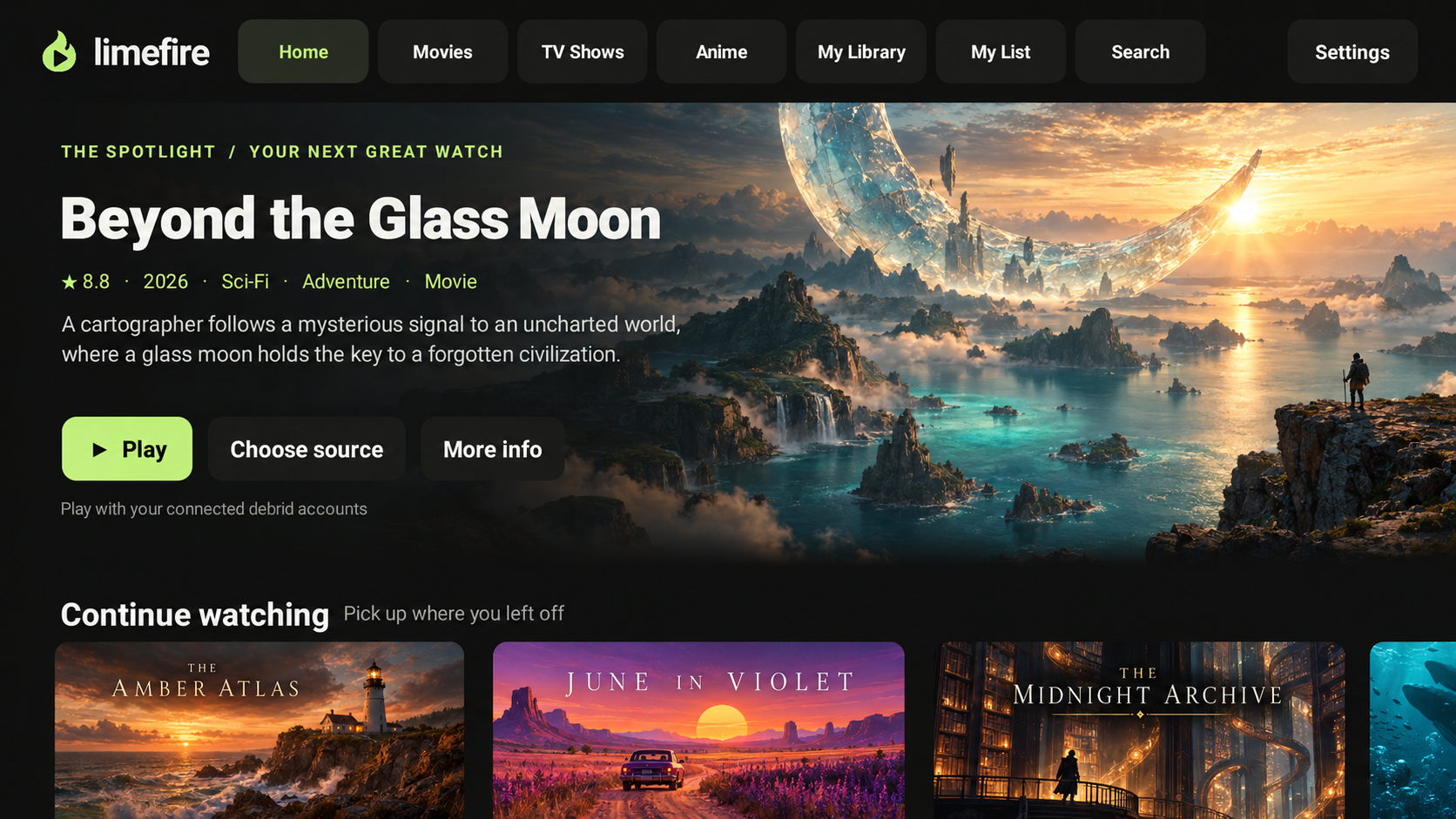
Browse on your TV with native playback, subtitles and controls made for your remote.
Resume a show where you left off, or roll into the next episode with a countdown you can cancel.
Connect Real-Debrid or TorBox with your own account. Your watchlist and progress stay together in LimeFire.
The native TV app, your profiles and your place in every show. Create a free LimeFire account and bring your own supported media-service account.
No payment method or LimeFire subscription required.
LimeFire does not include movies, shows or a provider subscription. Your provider’s plans, fees and limits apply separately. Beta terms · Privacy
A future bundled TorBox service is under consideration and depends on a partner agreement. No bundle is included or available to purchase in this beta.
Use this site for account setup. Watch in the LimeFire TV app.
Create a free LimeFire account with your email and choose a profile. No payment method is required for the open beta.
Bring your own provider account. Review each connection’s playback permissions before enabling it.
Manage connectionsDownload the TV APK. On Fire TV, open Downloader and enter the download address below.
Get LimeFire TVOpen LimeFire on your TV, choose Connect, and enter its code here to link your profile.
Pair your TVFor Google TV, Android TV and Android-based Fire TV devices. Amazon Vega OS devices are not supported.
Get the TV apphttps://beta.limefire.tv/downloads/limefire-tv.apkFor updates, install the latest APK over your existing beta app to keep its settings.
Free access to the TV app and this account setup site, with your own supported provider account. No LimeFire subscription or payment method is required. Phone apps and web playback are outside this beta. Expect occasional bugs as we improve it.
A future bundled TorBox option is under consideration, subject to a partner agreement. No bundled service is included or available to purchase in this beta.
No. LimeFire is a media player and catalog interface. Connect your own supported account and use media you have permission to access. Provider availability, plans and limits apply separately.
No. LimeFire keeps its own watchlist and playback progress. Available optional integrations are listed in Connections.
LimeFire stores your email, profiles, watchlists, playback progress and connected-device information in Supabase. Connected provider credentials are encrypted on the server. Your paired TV or chosen player may receive a provider credential when you approve its connection permissions. You can disconnect providers and revoke TV access from this site; reset a provider key with that provider to revoke previously shared credentials and links.